
GoPlay11 Rewards & Offers
Explore the rewards areas and check the terms that apply to your account.
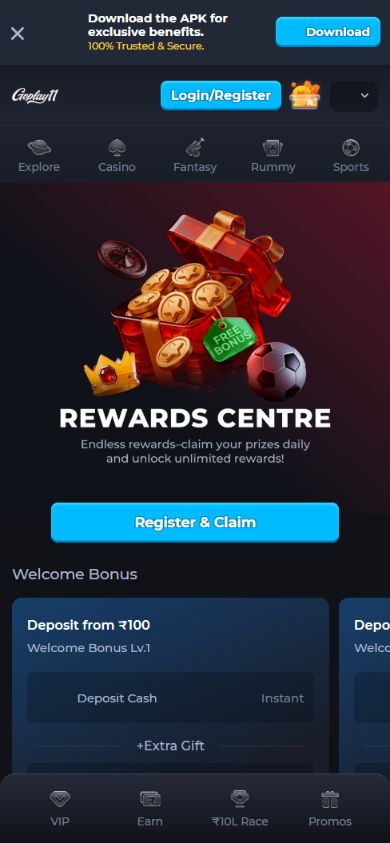
Rewards Centre
The supplied Rewards Centre screen shows welcome offer cards and a Register & Claim button. Open your account to see current eligibility, any qualifying deposit, expiry dates and how a reward can be used.
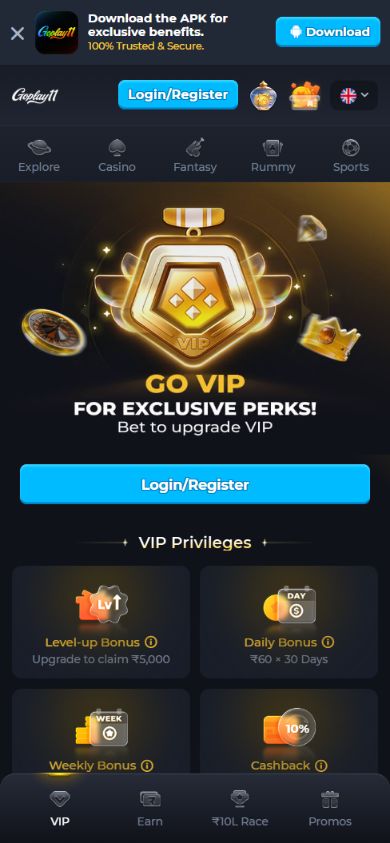
VIP Privileges
The VIP screen shows level-up, daily and weekly bonus categories and cashback. These depend on the operator’s membership conditions; the screenshot does not guarantee a reward for every user.
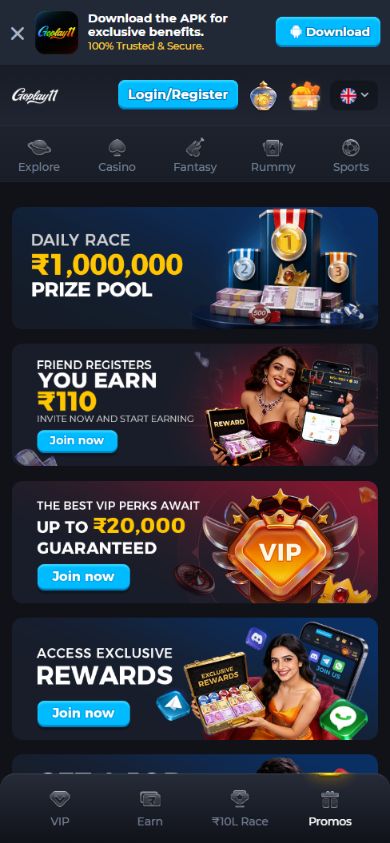
Promotions
The Promotions screen brings together race, referral, VIP and rewards banners. Follow the individual offer inside the official platform to read its current conditions before taking part.
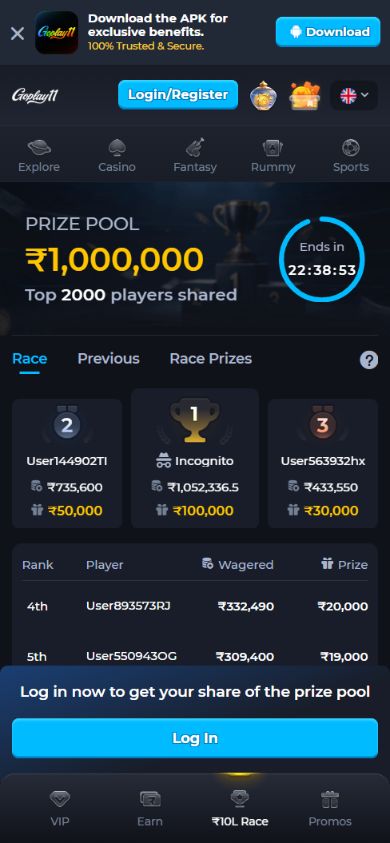
Race Leaderboard
The Race screen includes a leaderboard, prize information and a countdown. Review the applicable activity, ranking rules, settlement schedule and eligibility before joining.
Terms to Check
- Whether the offer applies to your account and location.
- Qualifying activity, minimum deposit or turnover requirements, if any.
- Bonus usage limits, expiry and withdrawal conditions.
- Whether rewards are cash, bonus credit or another benefit.
For referrals, see the Refer & Earn guide. A promotion does not guarantee winnings.
Rewards FAQ
Are screenshot amounts guaranteed?
No. Screenshots show the interface at the time they were captured. Check the current promotion and your eligibility on the official platform.
Can I withdraw every reward?
Each offer has its own usage and withdrawal terms. Read those conditions before claiming.