
GoPlay11 Login
Continue with your registered email address or mobile number on the official platform.
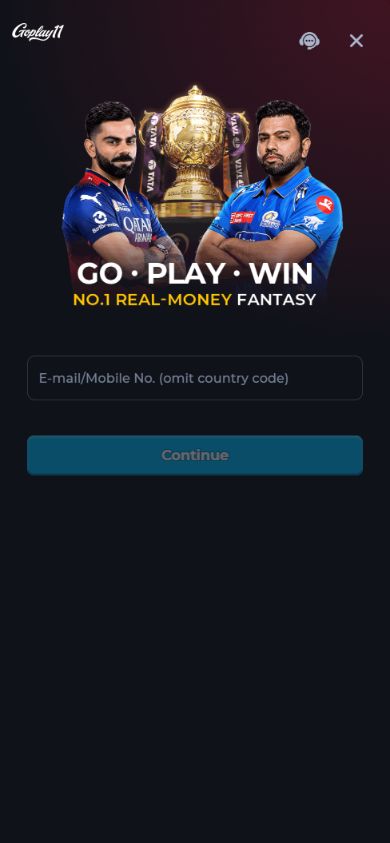
How to Log In to GoPlay11
- Open the GoPlay11 app, or go to the official login page.
- Enter the email address or mobile number you registered with.
- Follow the verification instructions shown by the platform. Never share a verification code with anyone.
- Once verified, review the account details and available sections shown by the platform.
Login Not Working? Try These Fixes
- Verification message not received: Check your connection and the entered email address or number, then use the platform's resend option if it appears.
- "Account not found": Check that you're using the same email address or number you registered with. If you've never signed up, register first.
- App stuck on loading: Check your connection and compare your installed version with the official download page. Use the operator's support if it continues.
- Changed your phone number or lost access: Use the operator's official recovery or support flow. Do not send identity documents to someone who contacts you privately.
- Account blocked: Ask the operator's support to review the account status; the supplied screens do not show the reason.
Safety: Real support staff never ask for your OTP, password or UPI PIN. Anyone who asks for these to "unlock" or "release" your money is a scammer.
Login FAQ
Can I log in on two phones?
Session rules are set by the operator. Check the app's current account and device settings.
Is there a password?
The supplied screen starts with an email address or mobile number. Follow the next verification step shown by the platform. If the app offers a password or PIN, set one you don't use anywhere else.